Whether you're printing Business Cards, Postcards, Flyers, or any other flat product, use the following quick checklist to ensure the accuracy of your files.
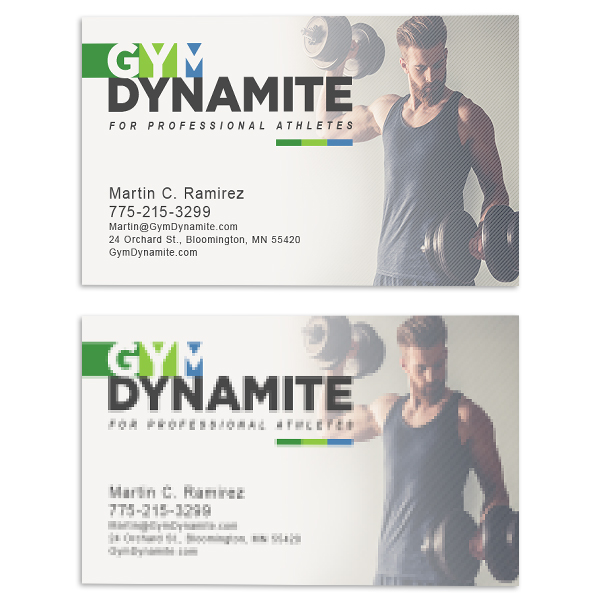
Resolution: Make sure all elements are set to 300 to 350 dpi (unless otherwise stated). Images taken from the web tend to be low-resolution, which can result in blurry or pixelated prints.
Note: Due to possible cutting shifts, we do not recommend printing designs with borders. However, if your design contains a border, we recommend that it falls within the safe zone guidelines and extends to the edge of the bleed line.
File Orientation: Be sure to select the proper orientation on the order form to match the orientation of your files (horizontal or vertical). When uploading files, make sure that the right side of your "Front" file will align with the left side of your "Back" file when printed.

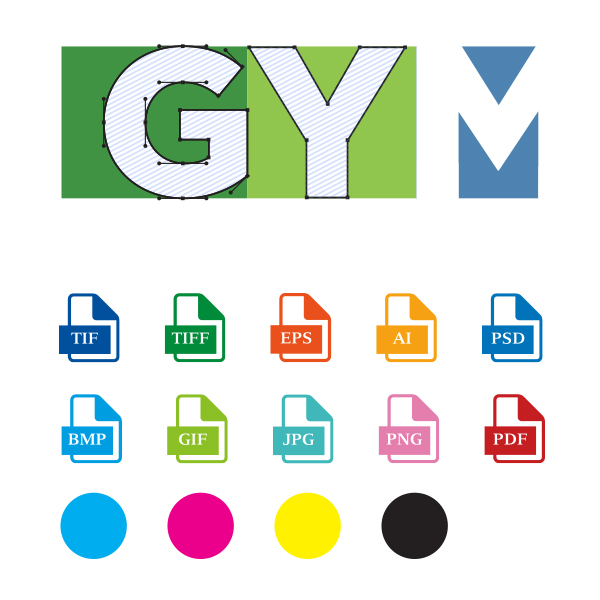
Files should be flattened, and fonts outlined. If your fonts are not outlined, a different font may be substituted in your document. To prevent these variations, outline all your fonts or save your files in JPG or TIF/TIFF file formats.
We accept the following file types: TIF, TIFF, EPS, AI, PSD, BMP, GIF, JPG, PNG, PDF.
Print files should be in CMYK mode unless otherwise stated. Please check the File Setup tab for each product for required color mode.
If you are submitting an AI file, please make sure the images within the file are properly embedded or linked.
Note, we do not print adult content (though art is accepted), copyrighted material, discriminatory material, FDA material, or money. All files are subject to approval.